Elevate Online × Imaginary Space presents Sprint to AI
NY Tech Week 2026
Build an Agentic Team with Claude Code
Thursday June 4 · Jay Suites Chelsea, 159 W. 25th Street · 4:30pm doors, 5:00pm hard start.
Walk straight to the elevator when you enter the building and head up to the 3rd floor.
Arrive by 4:45pm — after that your seat isn’t guaranteed.
Heads up: we'll have a photographer capturing the night. If you'd rather not be photographed, skip this one.
By 7pm you'll have an agentic team running on your laptop that scrapes the web for what matters in your world, scores it, and drafts content from it in your voice. You'll build it by describing what you want to Claude Code — not by writing code.
This page has everything you need. Do the setup below before you arrive. The session prompts unlock here the morning of the event.
Before you arrive · 15 minutes
Come with these eight things done
The room moves fast and we build from minute one, so the people who set up in advance get the most out of the night. If you get stuck, reply to your confirmation email and we'll help.
01
Claude Pro or Max
Claude Code runs on your subscription, so everything you build tonight costs nothing extra to run in the room. Max is worth it if you'll use Claude Code regularly after.
claude.ai/upgrade →02
Install a code editor (VS Code or Cursor)
You'll want a real editor open so you can see your files and folders as Claude Code builds them. We're teaching a system with Claude Code as the orchestrator, a CLAUDE.md directives file that tells it what to do, and Python execution scripts it writes and runs. You'll want eyes on all of that.
Either editor works. Pick one and install it now if you don't already have one:
- VS Code — free, from Microsoft. The default choice. code.visualstudio.com/download
- Cursor — VS Code, forked and built around AI. Same keyboard shortcuts. cursor.com
Already use one? You're set. Skip ahead.
03
Install Claude Code
Claude Code is the agent that does the actual building. It reads and writes files, runs code, and follows the directives in your CLAUDE.md file — all in plain English.
Easiest path: install the Claude Code extension inside your editor. In VS Code or Cursor, open the Extensions panel, search for Claude Code, and click Install. You'll be prompted to sign in with your Anthropic account on first use.
Prefer the terminal CLI? That works too — follow the install guide for your machine.
Claude Code install guide →04
Get your API keys (Firecrawl + Anthropic)
Two keys. Your watcher uses Firecrawl to scrape the web and the Anthropic API to think — separate from your Claude Pro/Max subscription, which is for working with you in the editor. The API is what lets your watcher run unattended later, on a schedule.
Firecrawl (free)
- Sign up at firecrawl.dev
- Open API Keys in your dashboard and copy your key (starts with
fc-)
Anthropic (5 minutes, needs a card)
- Go to console.anthropic.com and sign in with the same account as your Claude subscription
- Add a billing method and load $5 of credit (plenty for tonight and your first weeks of scheduled runs)
- Open API Keys and create a new key (starts with
sk-ant-)
Keep both keys somewhere you can find them on Thursday — you'll drop them into a .env file in step 05.
05
Set up your project folder and .env file
You'll do this in your editor — not by pasting keys into a chat. Treat API keys like passwords: never paste them into Claude Code or any AI tool. They live in a .env file your code reads at runtime.
- Create a folder wherever you keep code. Name it something like
my-watcher. Anywhere works —~/code/,~/Documents/, Desktop — your call. - Open the folder in your editor. In VS Code or Cursor: File → Open Folder.
- Confirm Claude Code is ready. If you installed the extension in step 03, you'll see the Claude panel in the sidebar. If you installed the CLI, open your editor's terminal and run
claude. - Create a
.envfile in the folder root. File → New File, name it.env(with the leading dot), and paste in your two keys:FIRECRAWL_API_KEY=fc-your-key-here ANTHROPIC_API_KEY=sk-ant-your-key-here
Save the file. Done.
If anything trips you up, reply to your confirmation email before Thursday and we'll sort it in advance — not in the room.
06
GitHub account
By the end of the night we'll push your watcher to GitHub and set it up to run automatically on a schedule (say, 7am every morning) using GitHub Actions — free for public repos, 2,000 minutes a month free for private. Your API keys live as encrypted repository secrets, not in your code.
If you already have a GitHub account, bring it. If not, signup is one minute and the free plan is all you need.
github.com/signup →07
Supabase account Suggested
If you want your watcher to write what it finds into a real database instead of flat files — so you can query it, build dashboards on it, or wire it into other tools later — Supabase is the easiest way. Postgres with an API and an auth layer in front of it. Free tier is plenty.
You don't need an API key yet. Just:
- Sign up at supabase.com
- Create an organization (free, takes 30 seconds)
That's it. We'll create the project and grab the keys together in the room if you want to go this route.
The folks at Supabase are supporting the night with swag — say hi at the door.
08
Pick your watch target
Your watcher is only as good as what you point it at. Come with answers to these four. The more specific, the better your watcher works.
- Topic. Not “AI.” Try “practical AI tools for solo consultants doing $200K to $2M.”
- Sources. 2 or 3 specific sites, blogs, or subreddits you'd actually want monitored.
- Audience. Who reads your stuff, and what they care about.
- Voice. Bring 2 or 3 short paragraphs from something you've actually written. You'll paste these in so your watcher drafts in your real voice — not generic “professional.”
Session prompts
Unlocks the morning of the event
The session prompts and step-by-step build live here.
They unlock the morning of Thursday June 4. Bookmark this page — you'll come back to it in the room.
Meet the speakers
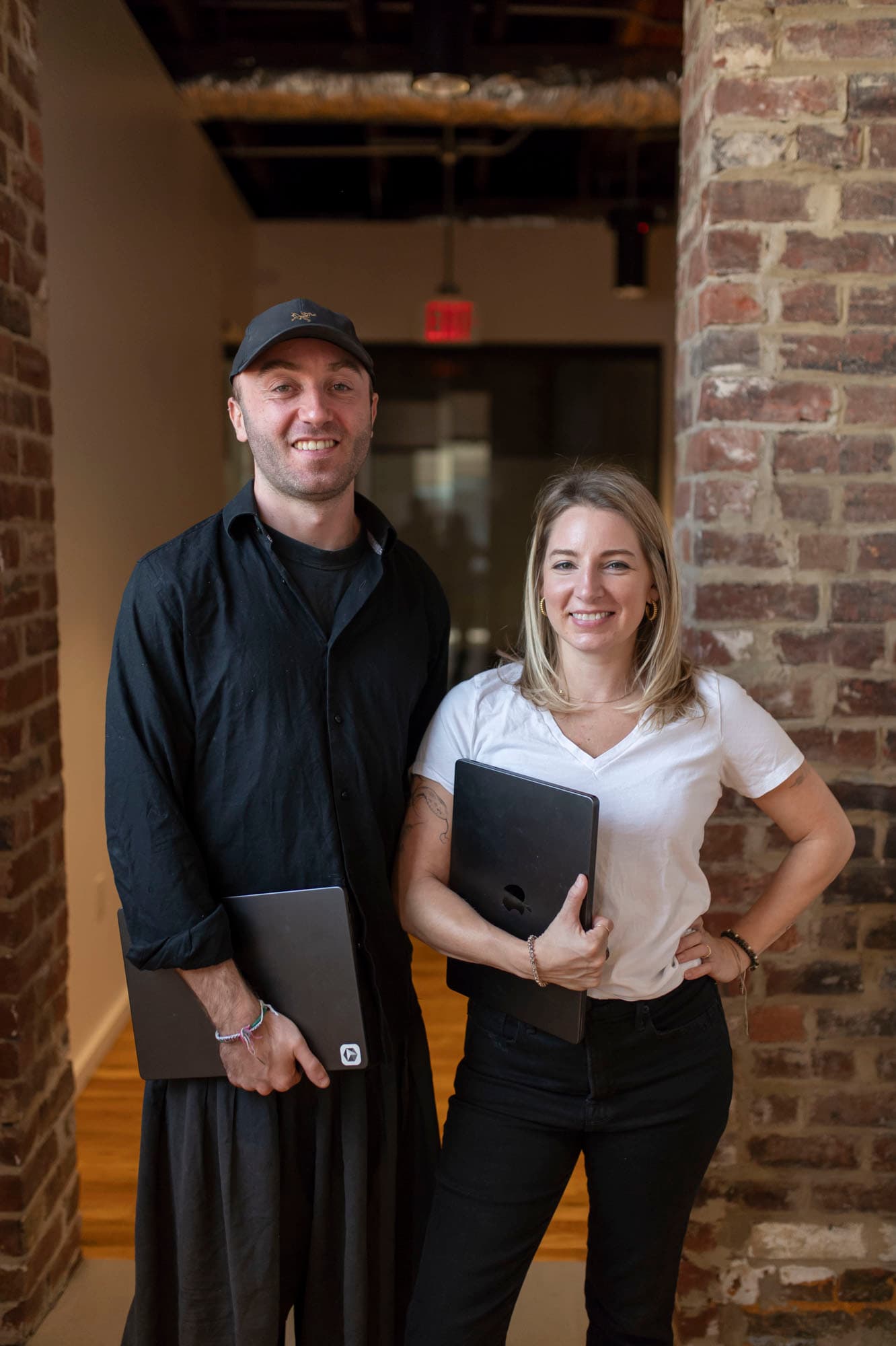
Nicole Patten & Harry Roper
Nicole and Harry co-founded Sprint to AI — the joint venture running this session. They've built AI systems for agencies, product teams, and VC firms, and they teach the patterns they use in their own businesses every day.

Nicole Patten
Claude strategist · founder, Elevate Online
Founder of Elevate Online and claudetraining.com. Trained formally in neuroscience with research at the NIH, she spent seven years at Google as an L5 Senior UX Engineer — sitting at the intersection of product management, UX, and engineering. Nicole teaches teams how to use Claude as the operating system behind their day, not just another chatbot, and stays on top of every Claude release so her clients don't have to.
Harry Roper
Co-founder & CEO, Imaginary Space · co-founder, Sprint to AI
Co-founder and CEO of Imaginary Space, an AI-native dev studio shipping 13+ projects a month for enterprise and startup clients. An official Lovable and Supabase partner, Harry builds the systems behind the systems — and turns plain-English ideas into running software in days, not quarters.
Stay in the loop
Get the day-of unlock + follow-ups
We'll email you the morning of June 4 the moment the session prompts unlock, plus the follow-up resources after the event.